The message arrived at 8:40 on a Tuesday morning, on the phone that ran the entire business: “Your phone number is banned from using WhatsApp.” No warning, no appeal button that did anything, and 1,400 customer chats — orders, quotes, three years of relationships — gone behind a grey screen.
The owner of that garment store hadn’t done anything he thought was wrong. He’d bought a ₹1,500 “bulk WhatsApp sender” tool, uploaded a list of numbers from his billing software, and sent a Diwali offer to all of them at once. It worked beautifully for two days.
This happens to Indian businesses every single day, and it’s almost entirely avoidable. Broadcasting on WhatsApp isn’t the problem. Broadcasting the wrong way is. This guide covers how broadcast messages actually work, why numbers get banned, what Meta is really watching, and how to send to thousands of customers in a way that’s official, allowed, and safe. If you’re newer to WhatsApp for business overall, start with our complete guide to WhatsApp automation for business and come back.
Where the Free App’s Broadcast List Runs Out
Most businesses start broadcasting with the feature built into the free WhatsApp Business app: create a broadcast list, add contacts, send once, everyone gets it as an individual message. For a small shop with a hundred regulars, it’s fine.
Then it stops fitting, for three hard reasons:
- 256 contacts per list. That’s the ceiling. Past it you’re juggling multiple lists, manually, from one phone.
- Only saved contacts receive it. A broadcast lands only on phones that have your number saved. Everyone who messaged you once but never saved you — usually most of your list — gets nothing, and you have no way of knowing who.
- No opt-in tracking, no analytics, no automation. You can’t see delivery beyond ticks, can’t segment, can’t schedule, and can’t hand replies to a bot.
None of that will get you banned. But it’s the point where businesses go looking for a shortcut, and the shortcut is what gets them banned.
The Shortcut That Ends in a Ban
Search “bulk WhatsApp sender” and you’ll find dozens of tools and Chrome extensions promising unlimited messages to any number. Under the hood, they do one of two things:
- Automate the normal consumer or Business app to fire messages at a list, or
- Run on modified builds of WhatsApp that connect to Meta’s servers in ways Meta never authorised.
Both break WhatsApp’s terms, and Meta detects them automatically. Unusual sending patterns from a phone app. Hundreds of messages to numbers that have never messaged you. A modified client talking to the server. Each one is a signal, and the response is a temporary restriction followed by a permanent ban. The tool vendor isn’t affected. Your number is.
There’s a second path to the same ending, and it doesn’t even need a tool. If you message people who never agreed to hear from you, some of them block you and some report you as spam. Enough of those and Meta quietly downgrades your number: first your reach, then your ability to send at all. The garment store did both at once, which is why it lasted two days instead of two weeks.
What Meta Is Actually Measuring
To broadcast safely, it helps to know what’s being watched. Two things, mainly.
Your quality rating. Every WhatsApp business number carries a rating — Green, Yellow, or Red — based on how recipients react in the last seven days: blocks, reports, and other negative feedback. Green is healthy. Yellow is a warning. Red means Meta is already restricting you, and a sustained Red can cost you the number.
Your messaging tier. On the official API, Meta caps how many unique customers you can start conversations with in a rolling 24 hours. An unverified business starts at 250. Complete business verification and it lifts to 1,000, then 10,000, then 100,000, then unlimited, with each step unlocked by sending steadily to a good-quality number. Blast a fresh number at its full limit with a cold list and you’ll trip quality before you ever climb a tier.
Put simply: Meta isn’t against volume. It’s against volume that recipients don’t want. Every rule below is really a way of keeping your quality rating Green while your tier grows.
The Official Way: Three Things Every Safe Broadcast Has
A legitimate broadcast that reaches thousands of people without risk rests on three requirements. Skip any one and you’re back on the ban path.
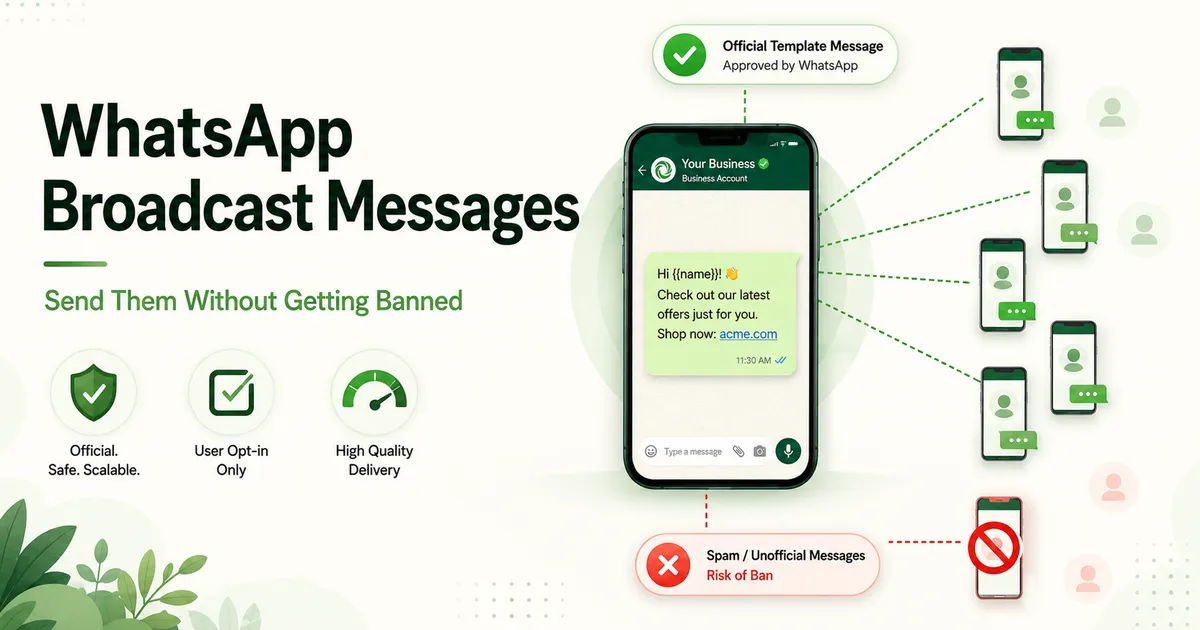
1. The WhatsApp Business API, not a phone app. Broadcasting at scale is exactly what Meta built the API for. You access it through a provider (a Business Solution Provider like Inceptimind), and compared with the app it:
- has no 256-contact limit,
- reaches customers whether or not they’ve saved your number, and
- is the only sending method where your messaging tiers grow instead of your number disappearing.
2. Opt-in: real, recorded consent. Meta requires that customers agree to hear from you before you message them first. That agreement can come from:
- a website form or a checkbox at checkout,
- a keyword they sent you (“Reply YES for offers”), or
- simply them messaging your number first.
What it can’t come from is a phone list pulled out of your billing software. Record where each opt-in came from, too. It’s what keeps you on the right side of India’s DPDP Act.
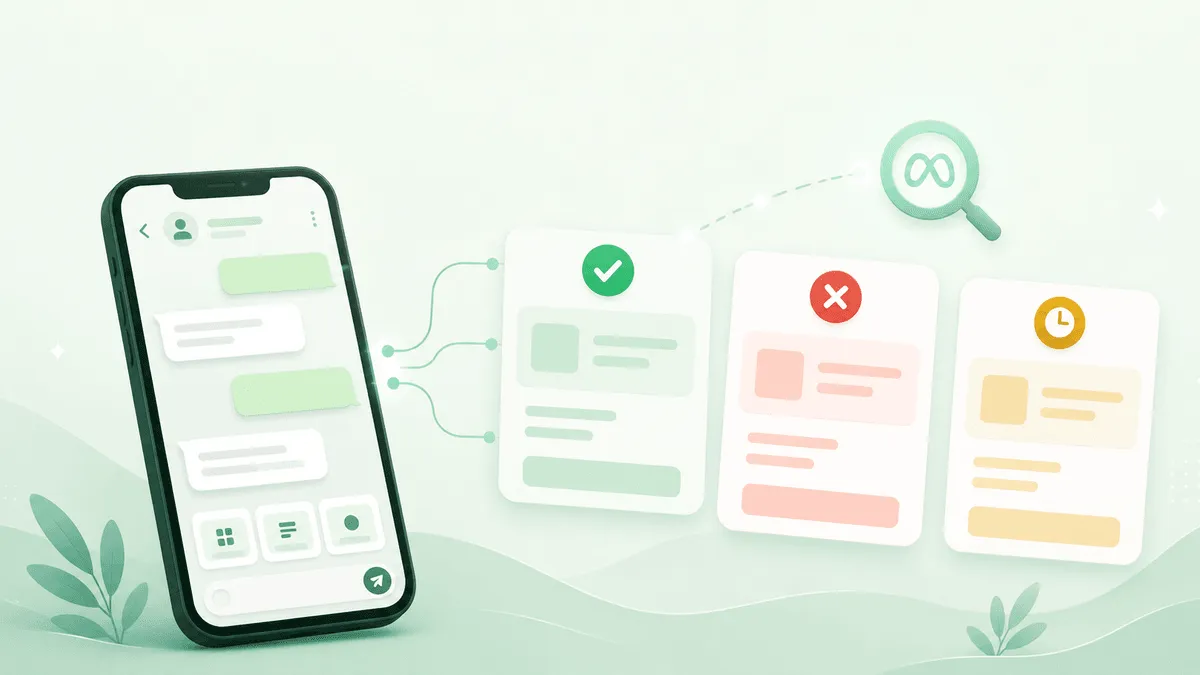
3. A Meta-approved message template. You can’t type a free-form promotion and send it to a thousand people. Any message that starts a conversation must be a template Meta has reviewed and approved in advance, filed under the right category. Promotions are Marketing templates. Getting them approved first time has its own rules — variable placement, wording, category — which we cover in full in our WhatsApp template approval guide.
Do all three and you’re not “bulk messaging” in the sense Meta bans. You’re running a compliant campaign on the platform designed for it.
What a Broadcast Actually Costs
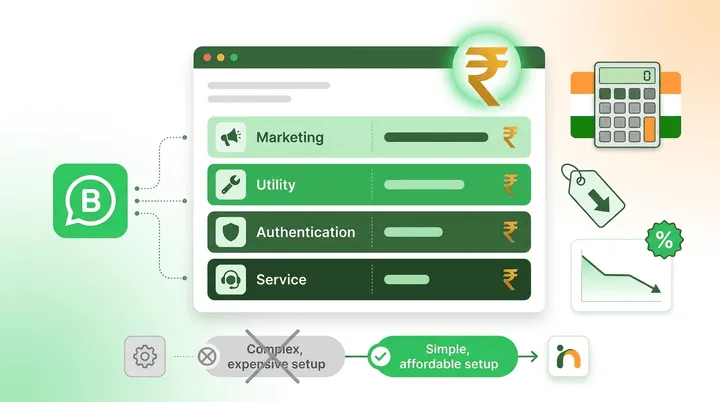
Because a broadcast starts the conversation, you pay for it, and the price depends on the template category. In India, at the time of writing:
| Message type | Template category | Approx. Meta charge (India) |
|---|---|---|
| Offer, launch, festive promo | Marketing | ~₹0.78 per conversation |
| Order update, appointment reminder | Utility | ~₹0.14 per conversation |
| Customer replies to you | Service (within 24h window) | Free |
Meta revises these rates periodically. Our WhatsApp Business API pricing guide tracks the current numbers with worked examples.
Three things follow from that table:
- A promo blast is real money. A 5,000-person marketing broadcast is roughly ₹3,900 in Meta charges. Sending it to people who won’t care burns cash and quality rating.
- Transactional messages belong in Utility. A reminder or an update filed as a Marketing template costs you five times more than it needs to.
- Watch the provider’s fee on top. Some platforms add a per-message markup to Meta’s rate. Inceptimind charges a flat plan fee with none, so the Meta rate is what you pay.
Still sending offers from a phone and hoping the number survives?
Inceptimind runs your broadcasts on the official WhatsApp API: approved templates, opt-in tracking, no 256-contact limit, and a bot that answers every reply. No per-message markup, from ₹399/mo.
Book a Free DemoMessages That Get Read vs. Messages That Get You Blocked
Compliance keeps you allowed to send. Craft keeps people from blocking you. Which, as we’ve seen, is the same thing over a long enough timeline. What separates the two:
Send to a segment, not the whole list. A bridal-package offer to every man on your list is a block waiting to happen. The businesses with Green ratings send fewer, more relevant messages: to clients who bought that category, who visited recently, who asked about it.
Mind the frequency. Meta also applies per-user limits on how many marketing messages a person receives across all businesses in a period, so an over-messaged customer may simply not get yours. Once or twice a month with something worth reading beats a weekly blast that trains people to mute you.
Lead with value, not urgency. “Hurry! Last chance!!!” copy is exactly what reviewers reject and recipients report. A clear offer, a real reason it’s relevant to them, one action.
Always include a way out. A “Reply STOP to opt out” line costs you a few uninterested contacts and saves you the blocks and reports those same people would otherwise file. An opt-out is a gift to your quality rating.
Time it for the reader. A promo at 11 PM is a report; the same promo at 11 AM is a sale. Schedule for when your customers are actually awake and shopping.
Warming Up a New Number: Your First Month
The fastest way to burn a fresh API number is to send a marketing blast on day one. New numbers start at the lowest tier with no quality history, and a cold-list promo is the harshest possible first impression.
A safer ramp:
- Week 1: utility only. Send transactional messages people expect: order confirmations, appointment reminders, delivery updates. They earn near-zero blocks and build a Green rating fast.
- Week 2: complete business verification. This is what lifts you from the 250/day starting cap to 1,000 and opens the path to higher tiers.
- Week 3: first marketing send, small and warm. One approved template, to your most engaged opted-in customers only. Watch the rating.
- Week 4 onward: scale in steps. As the rating stays Green and volume grows, Meta raises your tier automatically. Grow into it; don’t try to jump it.
A number treated this way typically reaches the higher tiers within a few weeks. A number blasted on day one usually never gets there.
The Part Most Broadcasts Forget: The Replies
A broadcast that works has a side effect nobody plans for: people answer. Send a festive offer to 3,000 opted-in customers and a few hundred will reply within the hour. “Is this available in blue?” “Can I book for Saturday?” “What’s the price for two?”
A broadcast tool on its own drops those replies into an inbox for a human to work through. Most go unanswered until the intent has cooled. This is where broadcasting stops being a marketing feature and becomes a conversation problem.
The fix is the same bot that handles your everyday chats. It picks up each reply instantly, answers the question, and captures what the customer wants, using the same in-chat lead capture approach that works on inbound enquiries and click-to-WhatsApp ads. And because those replies land inside the 24-hour service window, answering them costs you nothing extra.
A broadcast is the start of a few hundred conversations. Plan for the conversations, not just the send.
Frequently Asked Questions
What is the WhatsApp broadcast limit? In the free WhatsApp Business app, a broadcast list holds a maximum of 256 contacts, and messages only reach people who have saved your number. On the official WhatsApp Business API there’s no list limit; instead Meta caps how many unique customers you can start conversations with per 24 hours — 250 for an unverified business, then tiers of 1,000, 10,000, 100,000 and unlimited that unlock as your quality rating and volume grow.
Why do WhatsApp numbers get banned for bulk messaging? Almost always for one of two reasons: using an unofficial bulk-sender tool or modified app (which violates WhatsApp’s terms and is detected automatically), or messaging people who never opted in, which leads to blocks and spam reports that drop your quality rating until Meta restricts and then bans the number. Sending from the official API to opted-in contacts avoids both.
Is it allowed to send bulk WhatsApp messages to customers? Yes, if you do it the official way: through the WhatsApp Business API, to customers who have opted in to hear from you, using message templates that Meta has approved. That’s exactly what WhatsApp’s business platform is built for. What isn’t allowed is scraping numbers, using bulk-sender software, or messaging people who never agreed to receive messages.
How much does a WhatsApp broadcast cost in India? A promotional broadcast uses a Marketing template, and Meta charges per marketing conversation — around ₹0.78 in India at the time of writing, though rates change periodically. Platform fees vary by provider; Inceptimind adds no per-message markup on top of Meta’s rate. Replies from customers within the 24-hour service window are free.
Do customers need to save my number to receive a broadcast? Only in the free WhatsApp Business app, where broadcast messages are delivered solely to contacts who have saved your number. On the official API, messages reach any opted-in customer whether or not they’ve saved you — which is one of the main reasons growing businesses move off the app.
The garment store got a new number, moved to the official API, and now sends to a bigger list than before, with a Green rating, approved templates, and a bot answering the replies. The difference wasn’t sending less. It was sending the way the platform allows. If you’d like your broadcasts set up that way from the start, book a free demo, or read how we compare in our guide to the best WhatsApp service for Indian businesses.