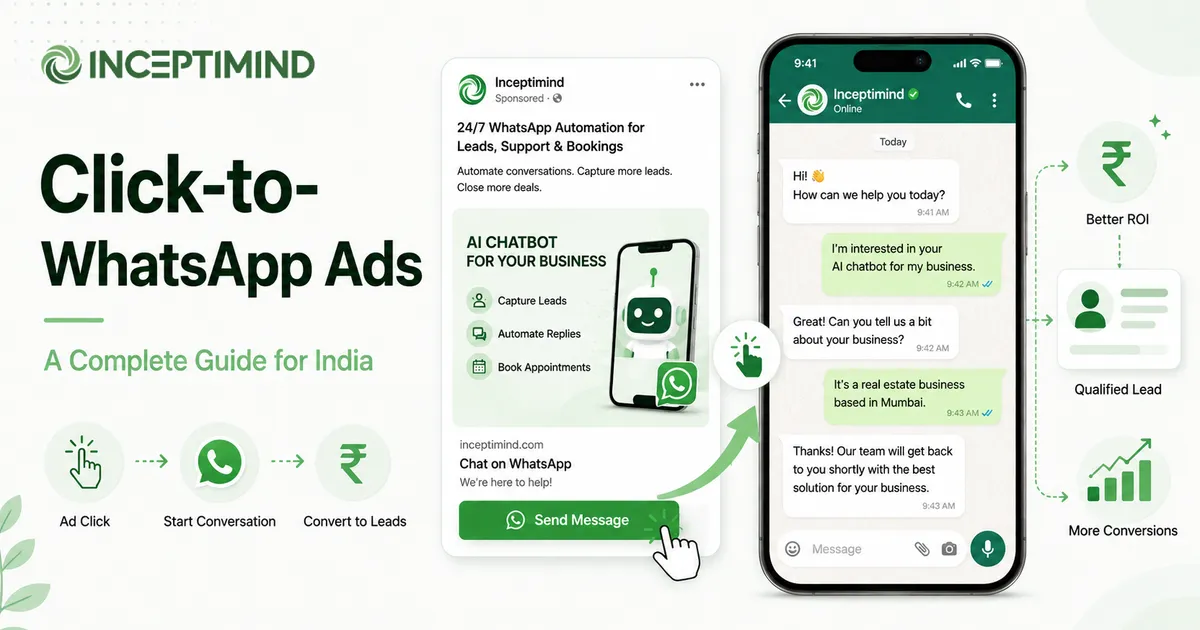
You’re paying Meta for the click. The ten seconds after it are what decide whether that money was worth spending.
Most Indian advertisers running Facebook and Instagram ads send that click to a landing page or a lead form. The person lands, scans, half-fills a form, and leaves. You collected a phone number, maybe. What you didn’t collect was a conversation, and conversation is where things actually get sold.
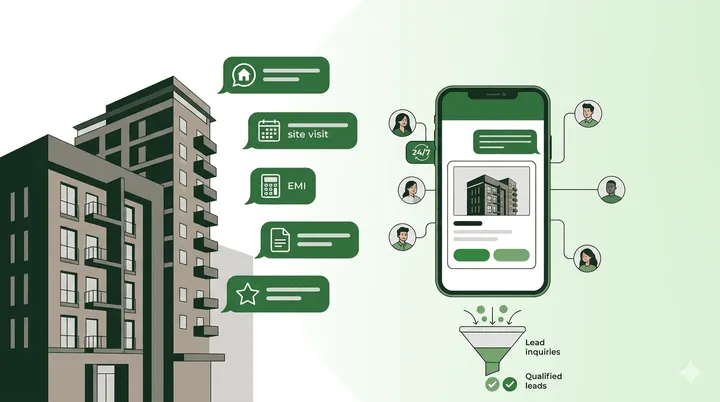
Click-to-WhatsApp ads change the destination. Instead of a page, the click opens a WhatsApp chat with your business. The prospect is now messaging you, in the app they already live in, with the same thumb they used to tap the ad. No page to load, no form to abandon. This guide covers what these ads are, how to set one up, the part almost everyone gets wrong, and what they really cost in India. If you’re still setting up the automation side, start with our complete guide to WhatsApp automation for business.
What Click-to-WhatsApp Ads Actually Are
A click-to-WhatsApp (CTWA) ad is a normal Facebook or Instagram ad with one difference: the call-to-action button opens WhatsApp instead of a website. You build it in Meta Ads Manager like any other campaign, then choose WhatsApp as the message destination.
When someone taps it:
- WhatsApp opens with a chat to your business number, often with a pre-filled starter message.
- The moment they send it, a conversation begins on your side.
- Your bot (or team) replies instantly and takes it from there.
The mechanics are the same whether the ad runs in the Facebook feed, the Instagram feed, Stories, or Reels. One tap, straight into a chat.
The Landing Page Is Where Leads Leak
The problem CTWA solves is simple. Every step between the ad and the actual conversation is a place to lose people.
- A landing page has to load, and on a patchy mobile connection that alone loses some.
- A form asks for details before the person has been given a reason to trust you.
- A “we’ll call you back” promise puts the conversation hours away, by which point the intent has cooled.
CTWA collapses all of that. The ad and the conversation are one tap apart. You’re not asking the prospect to switch context, wait, or fill anything in. You’re asking them to do the one thing they were already doing: message.
Click-to-WhatsApp vs. Lead Forms: An Honest Split
Meta also offers instant lead forms, and they’re not wrong for every case. The honest trade-off:
| Lead Forms | Click-to-WhatsApp | |
|---|---|---|
| What you get | Contact details, fast | A live conversation |
| Lead volume | Higher | Lower |
| Lead quality | Often cold; many never reply | Warmer; already talking to you |
| Cost per lead | Lower | Higher |
| Cost per qualified lead | Often higher (chasing cold numbers) | Usually lower |
| Follow-up | You chase them by call | They're already in your inbox |
The trap is judging both on raw cost per lead. Lead forms will almost always look cheaper on that number. But if half those numbers never pick up the phone, your cost per lead you can actually work tells a different story. CTWA trades volume for warmth. For anything sold through a conversation, that’s the better trade.
The Free Window Most Advertisers Don’t Use
This is the part worth reading twice. Conversations that start from a click-to-WhatsApp ad open what Meta calls a free entry-point conversation: a 72-hour window during which you can message that person back and forth without any per-conversation WhatsApp charge.
So the cost structure of a CTWA campaign is usually just the ad spend. Within those 72 hours, you can greet the lead, answer their questions, capture their details, and hand them to your sales team, and Meta doesn’t add a conversation charge on top. You only start paying WhatsApp’s normal conversation rates if you message them again after the window closes.
Most advertisers never realise this and never build their flow around it. The smart move is to do everything that matters, greeting, qualifying, booking, inside those 72 hours.
Setting Up Your First Campaign
The setup lives entirely in Meta Ads Manager. In practice:
- Pick an objective that allows WhatsApp — Engagement or Sales both let you set a messaging destination.
- Choose WhatsApp as the destination. Your WhatsApp Business number must be connected to the Facebook Page running the ad.
- Write a pre-filled message — the text that’s waiting in the chat box when WhatsApp opens, e.g. “Hi, I saw your ad and want to know more about the 2BHK flats.” A specific pre-fill tells your bot exactly what the person wants.
- Set your audience, budget, and creative as you would for any Facebook or Instagram ad.
- Make sure something is listening. This is the step people skip, and it’s the one that decides whether the campaign works.
Steps 1–4 are standard advertising. Step 5 is where CTWA campaigns are won or lost.
What Happens After the Click
The failure mode is depressingly common. A business runs CTWA ads, the leads roll in, and every one of them hits a WhatsApp inbox that a human checks twice a day. Someone messages at 11pm; the reply goes out at 10am. By then they’ve messaged three competitors and forgotten yours. The ad spend bought a click that went nowhere.
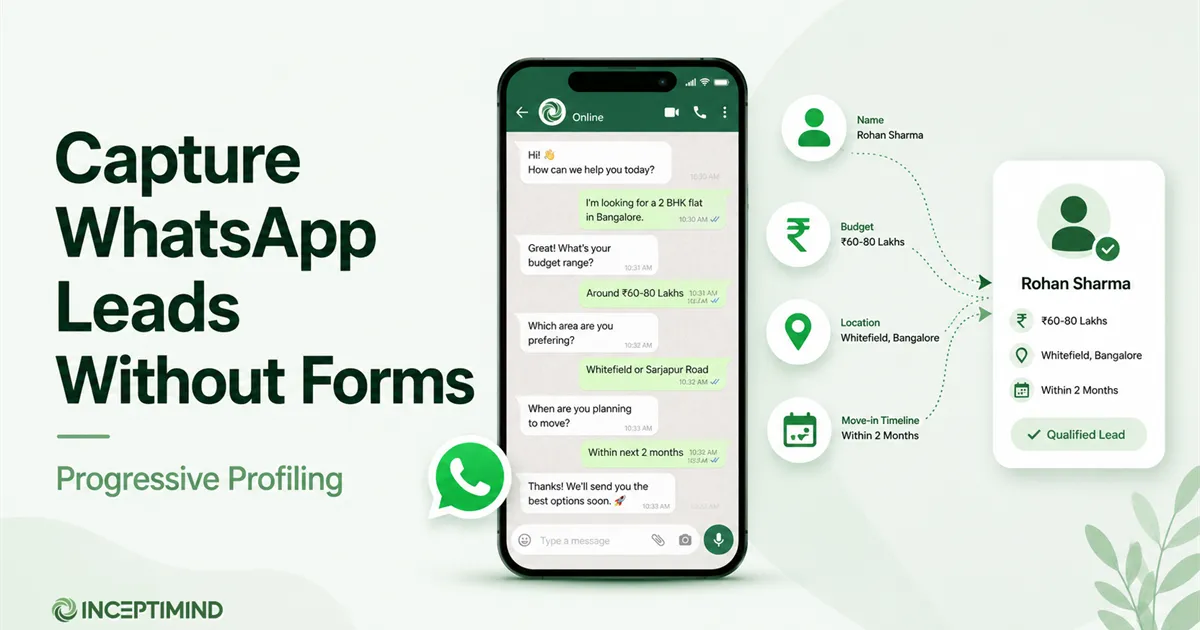
The fix is that the conversation has to answer itself, instantly, at any hour. A bot picks up the moment the lead messages, and instead of a form it captures their details inside the chat as they talk, which is exactly the progressive-profiling approach: it learns the person’s name, requirement, and budget from the conversation, then hands a qualified lead to your team. On a platform like Inceptimind, that greeting-plus-qualify flow runs automatically on every CTWA click, day or night, all within the free 72-hour window.
That’s the whole game. The ad buys the click; the automation makes the click count.
Running WhatsApp ads but watching leads go cold before anyone replies?
Inceptimind answers every click-to-WhatsApp lead instantly, captures their details in the chat, and hands warm leads to your team — all inside Meta's free 72-hour window. Plans from ₹399/mo.
Request a Free DemoWhat a Click-to-WhatsApp Lead Costs in India
There are two cost layers, and only one of them usually applies:
| Cost layer | What it is | When you pay |
|---|---|---|
| Ad spend | Meta's charge for the click/impression (cost-per-result, varies by audience & industry) | Always — it's an ad |
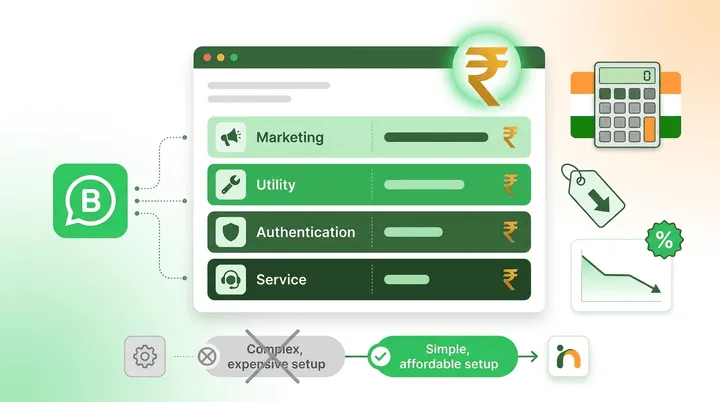
| WhatsApp conversation | Meta's per-conversation WhatsApp charge | Usually free for 72 hours (entry-point window); normal rates only after |
So for most single-touch campaigns, your real cost per lead is close to your ad cost-per-result, with little or no WhatsApp charge on top. The exact ad cost depends entirely on your targeting, creative, and vertical, so treat any “average CPL” number you read online with suspicion. The figure to trust is your own, measured properly.
The Number That Actually Matters
Cost per lead is a vanity metric on its own. The number to optimise is cost per qualified lead — what you paid for a lead your sales team can genuinely work.
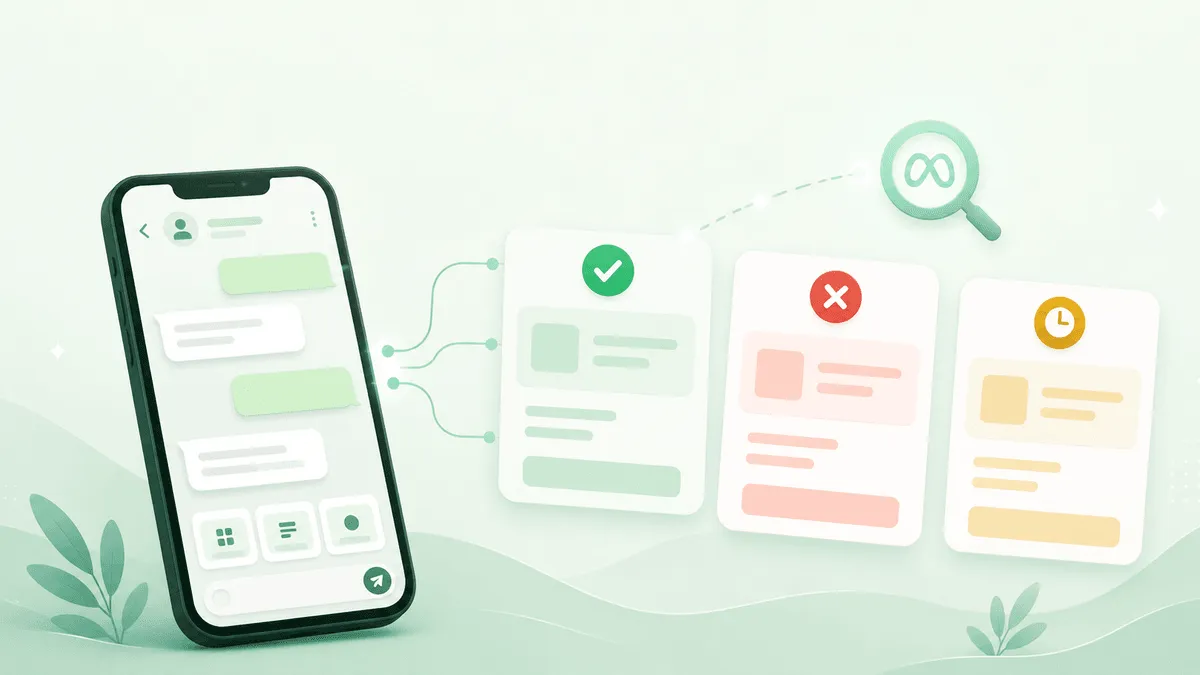
To get there, you need the qualification to happen automatically in the chat, so every lead arrives tagged as hot, warm, or junk. Then the maths is simple: ad spend divided by qualified leads. Two campaigns with identical cost per lead can have wildly different cost per qualified lead, and that gap is where your budget is either working or leaking.
A few things worth watching alongside it:
- Reply rate — what share of clicks actually send a message. Low here usually means a weak pre-filled message or a mismatched audience.
- Qualification rate — what share of conversations become real leads. Low here points at targeting, not the bot.
- Time to first reply — should be seconds. If it isn’t, you don’t have an automation problem, you have a no automation problem.
Mistakes That Quietly Burn Budget
- No instant reply. The single most expensive mistake. Every unanswered click is spend you set on fire.
- A vague pre-filled message. “Hi” tells your bot nothing. “Hi, I want a quote for a 3BHK in Wakad” lets it respond precisely.
- Ignoring the 72-hour window. If your flow drags qualification past three days, you start paying conversation charges you could have avoided.
- No approved follow-up template. You can’t re-message a lead after the window without an approved template — so get a utility one approved before the campaign, not after a lead goes cold. And once those leads become a list you want to message again, the same opt-in and template rules apply — see our guide to WhatsApp broadcast messages before you send to all of them at once.
- Judging on cost per lead alone. Optimise for qualified leads, or you’ll scale the cheapest, coldest traffic you can find.
Where to Start
If you’re already advertising on Facebook or Instagram, point one campaign’s destination at WhatsApp and see what a warm lead feels like compared to a form fill. But do it with the reply side ready first: an instant bot that greets, qualifies, and captures every click inside the free window. The ad is the easy half. The conversation is where the return is.
If you’d like to see that reply side working on your own ad traffic — instant greeting, in-chat qualification, warm handoff — request a demo, and we’ll set it up around your campaigns. To go deeper on capturing those leads without forms, read our guide on capturing WhatsApp leads with progressive profiling.
Frequently Asked Questions
What are click-to-WhatsApp ads? Click-to-WhatsApp (CTWA) ads are Facebook and Instagram ads with a button that opens a WhatsApp chat with your business instead of sending the person to a website or form. You create them in Meta Ads Manager and pick WhatsApp as the destination. When someone taps the ad, a conversation starts, and your bot or team picks it up from there.
How much do click-to-WhatsApp ads cost in India? You pay Meta for the ad itself (on a cost-per-result basis, which varies by audience and industry) exactly like any Facebook or Instagram ad. The WhatsApp side is often free: conversations that start from a click-to-WhatsApp ad open a 72-hour free entry-point window, so you usually pay no per-conversation charge for that first window. Normal WhatsApp conversation rates apply only after it.
Are click-to-WhatsApp ads better than Facebook lead forms? They serve different goals. Lead forms collect contact details fast but the leads are often cold and never reply. Click-to-WhatsApp ads produce fewer, warmer leads who are already in a conversation, which usually means a higher cost per lead but a lower cost per qualified lead and far better follow-up rates. For businesses that sell through conversation, CTWA tends to win.
Do I need a chatbot for click-to-WhatsApp ads? Not strictly, but without one you’ll lose most of the value. The whole point of CTWA is that the click lands in a live conversation. If a person messages at 11pm and nobody replies until morning, the intent is gone. A bot answers instantly, captures the lead’s details in the chat, and hands off warm leads to your team, so no click is wasted.
Do click-to-WhatsApp ads need an approved WhatsApp template? For the reply the user triggers by tapping the ad, no template is needed, because they messaged you first and you’re inside the free 72-hour window. You only need approved templates if you want to message that lead again later, outside the window. It’s still worth having a utility follow-up template ready and approved before you run the campaign.