A sweet shop in Coimbatore printed its WhatsApp number on ten thousand boxes last Diwali. The number was correct. The problem was everything a customer had to do with it: open WhatsApp, start a new chat, type eleven digits from a box lid, get one wrong, try again. The owner’s estimate, when we asked, was that two or three messages a day arrived from those boxes. Ten thousand boxes, perhaps two hundred conversations.
The next print run carried a QR code instead, with a message already written: “Hi, I’d like to order from your Diwali range.” Scan, tap send, done. She did not need to count the difference. Her phone did.
That is the whole case for a WhatsApp link and QR code. The number was never the obstacle. The typing was.
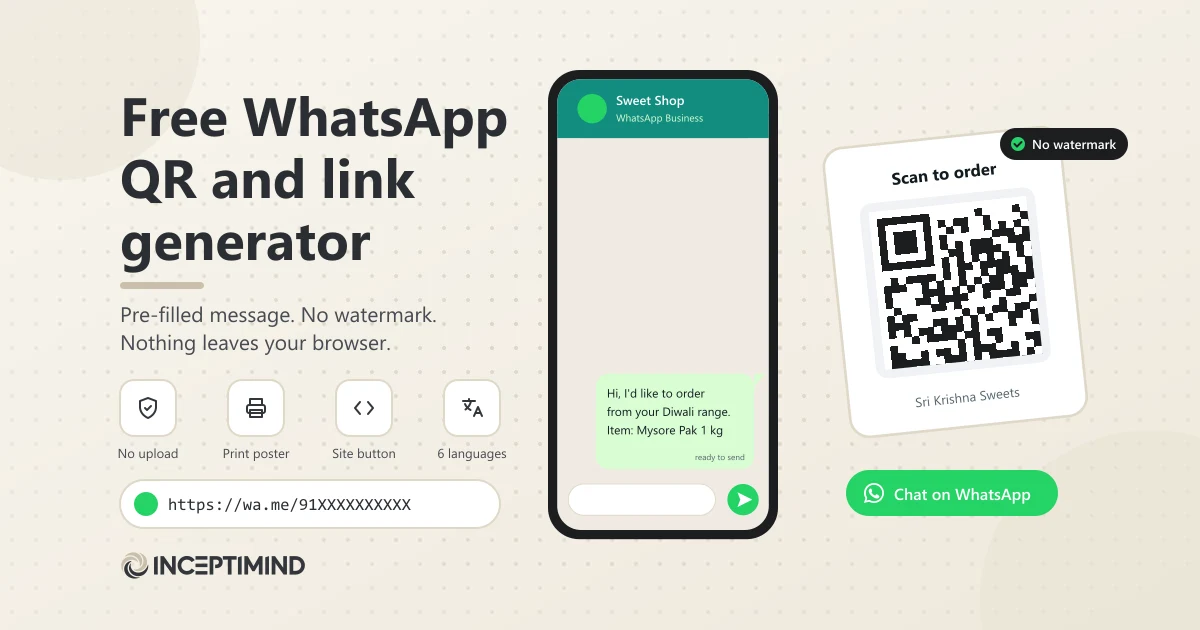
This guide covers how wa.me links work, what to write in the pre-filled message, where a QR earns its place and where a link does, and why the generator you use matters more than it looks. We built a free one at walink.inceptimind.com because every result for “WhatsApp QR generator” today is an ad farm that routes your customers through its own domain. Ours does not, and the rest of this post explains why that matters.
What a wa.me Link Does That a Printed Number Cannot
WhatsApp’s click-to-chat address is simple. Take your number in international format, drop the plus sign and any spaces, and put it after https://wa.me/:
https://wa.me/91XXXXXXXXXXAnyone who taps that on a phone lands in a chat with you. On a laptop it opens WhatsApp Web. They do not save your number, they do not search for you, they do not type anything. The chat is simply there.
Add a text parameter and the chat opens with a message already in the box:
https://wa.me/91XXXXXXXXXX?text=Hi%2C%20I%27d%20like%20to%20orderThe %20 and %27 are URL encoding for a space and an apostrophe. You will never type those by hand, which is the first job of a generator: turn a normal sentence into a correctly encoded link, including line breaks, emoji and Tamil or Hindi script, all of which break if you encode them wrongly.
Three things about the number itself trip people up:
- It must be the full international form.
98XXX XXXXXis not enough;9198XXXXXXXXis. The generator defaults to India and adds the 91 for you, and it will tell you when a pasted number has nine digits instead of ten, which is the commonest copy-paste mistake we see. - It must have WhatsApp on it. The normal app or WhatsApp Business, either works. A number that only exists in your billing software does not.
- It can be a landline. WhatsApp Business lets you register a fixed line with a call verification. The link works the same way.
A QR code is nothing more than this link drawn as a pattern. Every phone camera sold in the last five years reads it natively. The customer points, a banner appears, they tap, and they are in the chat.
Writing the Message They Start With
The pre-filled message is the part most businesses leave blank, and it is the part that does the most work.
A blank chat puts the burden on the customer. They have to decide how to open, what to ask, whether to be formal. Many of them close the chat instead. A pre-filled message removes the decision. They read it, maybe change a word, and send.
It also tells you, before you reply, where the message came from and what it is about. “Hi, I’d like to order from your Diwali range” is a different conversation from “Hi, I saw your Instagram post about bridal mehndi,” and if those two arrive from two different QR codes, you know which print run is working without any tracking at all.
Rules that hold up in practice:
Keep it under 120 characters for anything printed. The QR has to encode the whole link, and every character adds modules to the pattern. A short message scans from a bill under a dim counter light. A paragraph does not. The generator warns you when a message pushes the code past the point where small prints become unreliable.
Write it in the customer’s voice, not yours. It is their message. “Hello! Could you send me your catalogue and price list?” reads naturally when sent. “Welcome to Sharma Textiles, how may we help you” does not, because they are the one sending it.
Leave a blank for the thing you need to know. “Order number: [number]” or “Preferred date: [date]” in square brackets invites them to fill it in before sending. Most do. The ones who do not still send the rest, which is more than a blank chat gets you.
Use WhatsApp’s own formatting sparingly. Asterisks around a word make it bold in the sent message, underscores make it italic. One bold product name is fine. A message full of markup looks like spam.
Write it in the language your customers text in. For a lot of Indian businesses that is not English. The generator ships the same six starter messages in Hinglish, Hindi, Tamil, Telugu and Marathi, so a kirana store in Nagpur can hand its customers a Marathi opener without translating anything. Switch the language and the template rewrites itself; your own edits are left alone.
The six starters cover the openers we see most: an order enquiry, a catalogue request, a support message with an order number, an appointment booking, a payment confirmation with a UPI reference, and a quote request. Pick one, change the brackets, and you are done in a minute. If you need a longer menu-driven flow once the message lands, that is what a bot is for, and the complete guide to WhatsApp automation for business covers that side.
A QR for the Counter, a Link for the Bio
The same link lives in two forms, and each one belongs in different places.
Where the link goes. Anywhere a customer taps rather than looks:
- A button on your website, ideally fixed to the bottom-right corner so it is on every page
- The link field in your Instagram and Facebook bios
- Your Google Business Profile, under the messaging option
- Email signatures, invoices sent as PDF, and the “contact us” line of a brochure
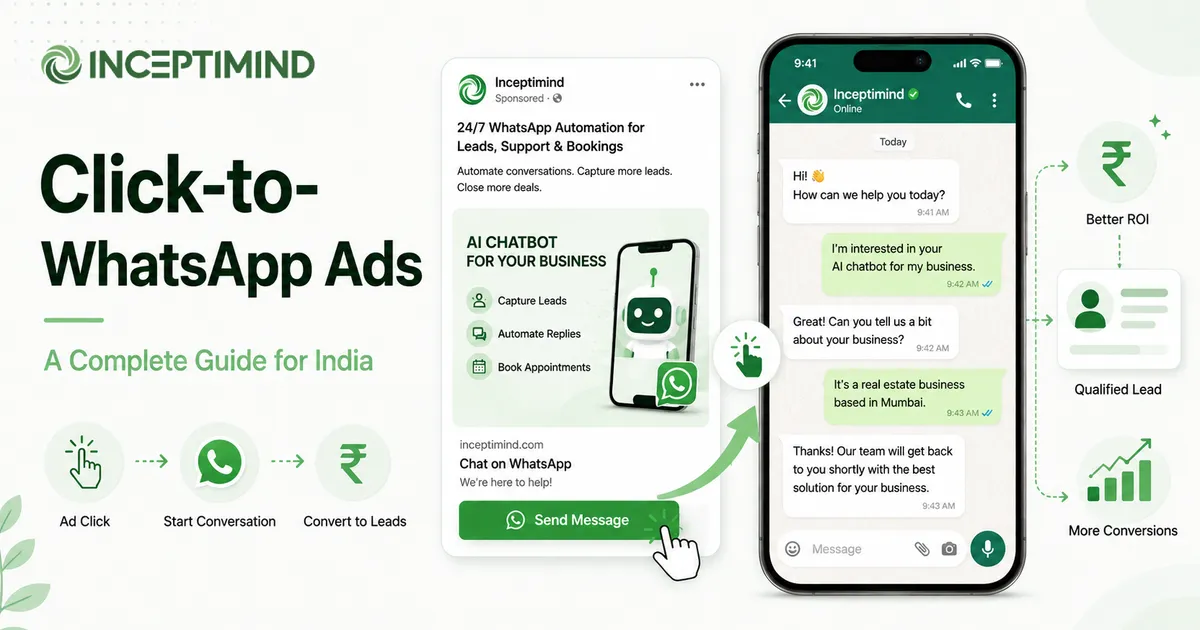
- Ads, where it becomes the destination of a click-to-WhatsApp campaign and skips the landing page altogether
Where the QR goes. Anywhere a customer points a camera:
- Product packaging and delivery bags, the single highest-volume placement for anyone who ships
- Bills, receipts and the bill folder at a restaurant
- A standee or sticker at the counter, facing the queue
- Posters, visiting cards, the back of a vehicle
- Clinic reception, salon mirrors, the gym notice board
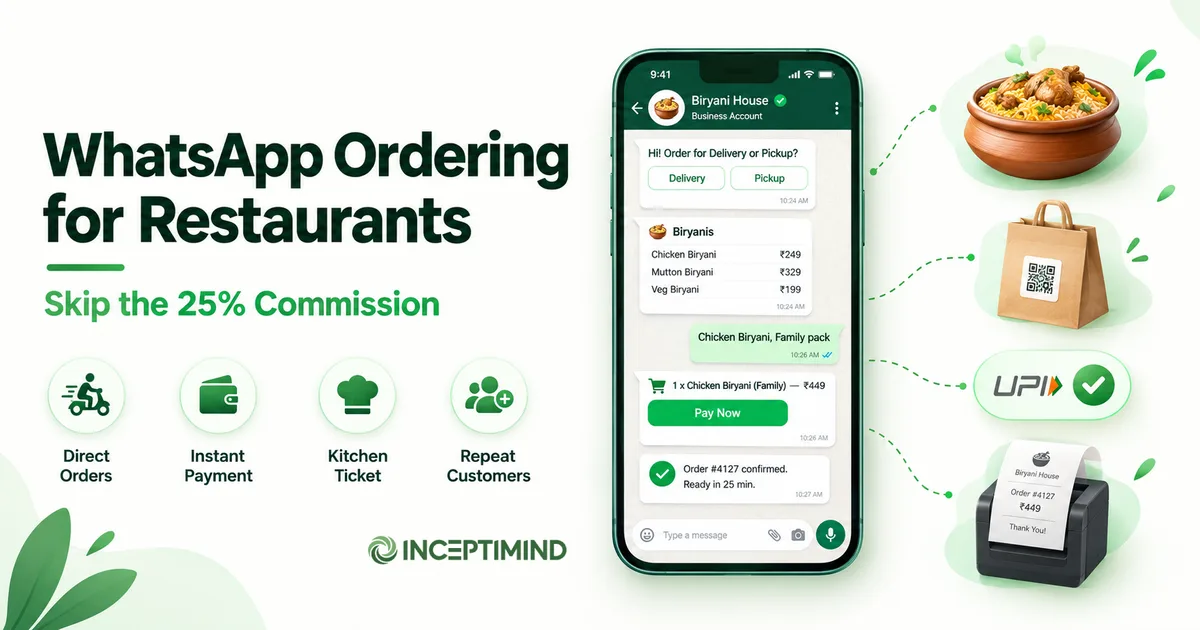
The restaurant ordering guide goes into what a QR on a delivery bag does for repeat orders, which is the sharpest version of this idea: the customer already likes the food, and the sticker turns the next order into a direct one.
Printing rules, learned the hard way:
- Three centimetres minimum. Below that, a dense code fails in bad light. For a standee read from a metre away, eight to ten centimetres.
- Dark on light. A charcoal or black code on white or pale paper scans everywhere. Inverted codes, light on dark, fail on a surprising number of phones.
- Leave a quiet zone. The blank margin around the code is part of the code. Do not crop it or let a design element touch it. The generator bakes the margin into every export.
- Say what it does. “Scan to order” or “Chat with us on WhatsApp” next to the code roughly doubles the number of people who try it, in our experience across customers’ print runs. A bare QR could be anything.
- Scan the print, not the screen. Phone cameras are forgiving on a bright screen and unforgiving on textured paper. Scan the first proof before you order a thousand.
For the counter and poster cases the generator produces a finished sheet, not just a code: a caption, the QR on a card, your business name under it, in a light, dark or WhatsApp-green frame, exported as a square sticker or as A6 and A5 at 300 dpi. Hand that PNG to any print shop and it comes back right. If you want your logo in the centre of the code, add it; the generator raises the code’s error correction so the covered middle does not stop it scanning.
Why Most Generators Put Themselves in the Middle
Search for a WhatsApp QR generator and try the first three results. Look at the link they give you. In most cases it is not wa.me/91XXXXXXXXXX. It is something like theirdomain.com/r/abc123, which then redirects to WhatsApp.
That one detail changes who owns your customer’s first tap.
- They count every scan. That is the feature they sell, and it means a third party holds a log of when and where your customers tried to reach you.
- The link dies with them. If the service shuts down, changes its plan, or decides free links expire after ninety days, every sticker you printed points at a dead page. We have met two businesses who reprinted packaging for exactly this reason.
- The free tier carries a watermark. A small logo in the corner of your QR, or a branded landing page between the scan and the chat, until you pay.
- Your number goes into their database. You typed it into a form on their server. Whatever their policy says, it is now a row somewhere.
A generator that does its job properly needs none of this. The link is a formula. The QR is a drawing of the link. Both can be made inside your browser without anything leaving it.
That is how ours is built. The page ships a Content Security Policy that tells your browser to refuse any request to another origin, including from the page’s own scripts, so there is no server for your number to reach. The link you copy is the real wa.me address with no redirect in front of it. If this tool vanished tomorrow, every sticker you printed would still work, because WhatsApp is the only thing they depend on. The QR has no watermark, the exports are the full resolution, and there is no account. It is the same stance we took with the JSON viewer that never uploads your data: a tool that cannot phone home does not need a privacy policy you have to trust.
You can check this yourself. Open the generator, open your browser’s developer tools on the Network tab, type a number and a message. Nothing fires. Then look at the link it gives you. It starts with https://wa.me/.
Putting It on Your Website in Two Minutes
A link in a bio is a start. A button on the site is where most of the taps come from, and it is where people get stuck, because “add a WhatsApp button” sounds like a developer job.
It is three lines of HTML, and the generator writes them for you under the Website tab:
- A button, in WhatsApp green with the logo, that you paste anywhere a normal link goes: a product page, a contact section, the footer.
- A floating bubble, fixed to the bottom-right of every page. Paste it once just before the closing body tag of your template and it follows the visitor around the site.
- A Markdown line, for anything written in Markdown: a Notion page, a GitHub readme, a newsletter tool.
Change the button text from “Chat on WhatsApp” to whatever fits (“Ask about sizes”, “Book a table”), copy, paste. On Shopify it goes into the theme’s footer section; on WordPress, a Custom HTML block; on a Wix or Squarespace site, the code-embed element. No plugin, no app, nothing to update. The step-by-step version for each platform is in how to add a WhatsApp chat button to your website.
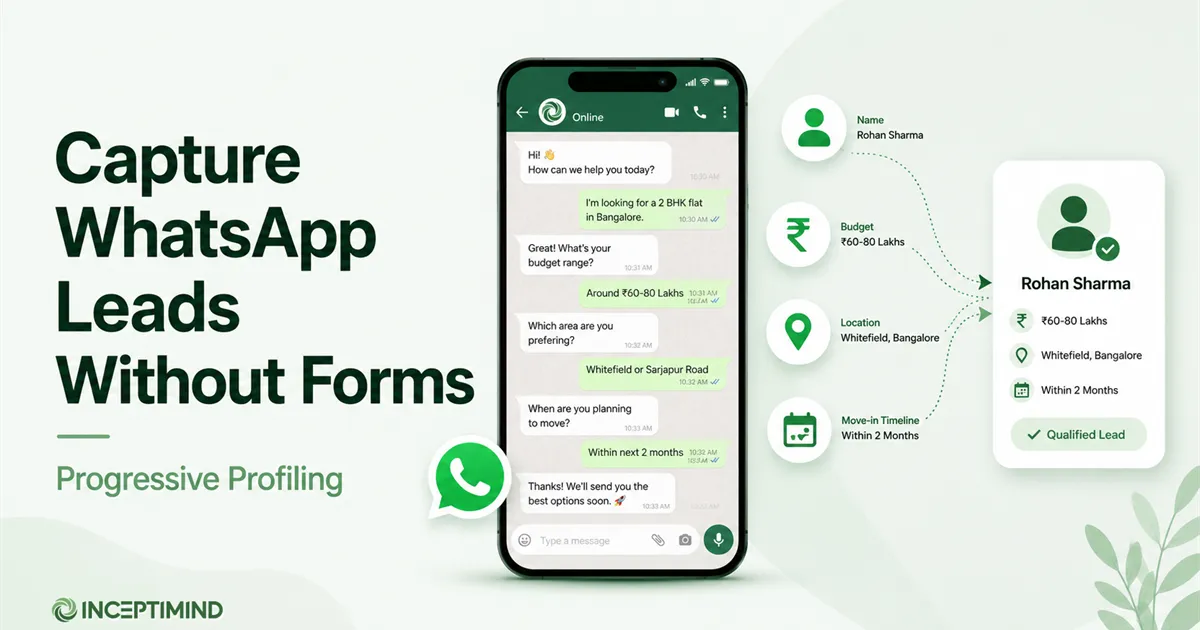
One habit worth building: use a different pre-filled message for the website button than for the packaging QR. “Hi, I’m on your website and have a question about” versus “Hi, I’d like to reorder”. When the message arrives, you know where it came from, and nobody had to install analytics to find out. The lead capture guide takes this further, letting the conversation itself collect the details a form would have asked for.
Make yours now, in the browser, with nothing uploaded.
Type your number, pick a starter message in your customers' language, and download the QR as PNG or SVG, a print-ready poster, or the code for a website button. No account, no watermark, and a link that points straight at WhatsApp. Built by the team behind Inceptimind Chat, free whether or not you ever use anything else we make.
Open the WhatsApp link generatorOne Week to Every Touchpoint
The link takes a minute. Getting it in front of customers takes a week, if you do it in this order.
Day 1: the number and the message. Decide which number answers. If it is a personal phone today, this is the moment to move to WhatsApp Business on a separate SIM, because the next six days will send strangers to it. Write two messages: one for people who have already bought from you, one for people who have not.
Day 2: the bio and the profile. Put the link in Instagram, Facebook and your Google Business Profile. These take five minutes and start producing the same day.
Day 3: the website. Floating bubble on every page, using the “I have a question” message. If a developer looks after the site, send them the snippet; it is a paste, not a project.
Day 4: the print proof. Export the poster at A6 and the square sticker. Print one of each on your own printer, scan both with two different phones, one of them older. Fix anything that fails before anything goes to a print shop.
Day 5: the order. Stickers for packaging or bags, one standee for the counter. Stickers in the hundreds, not thousands, for the first run. You will want to change the message once you see what people send.
Day 6: the people. Whoever answers the phone needs to know that messages will start arriving with a sentence already written. Agree on a reply for each of the two messages, and a time by which every first message gets an answer.
Day 7: a look at the week. Count the chats that opened with your pre-filled text. That is the number the link produced. Everything else is what you were already getting.
What to Count After the First Month
Four numbers tell you whether the link is working, and none of them needs a tool beyond your phone.
- First messages per week that start with your pre-filled text. The headline number. If you used two messages, you also know which placement produced them.
- Time to first reply. A customer who scanned a bag at 9 pm and gets an answer at 11 am the next day has usually bought elsewhere. Under an hour during business hours is the target that keeps the channel alive.
- Chats that ended in an order, booking or visit. Count them by hand for the first month. A rough ratio against first messages tells you whether the message is attracting the right people or just curious ones.
- Scans that did not become chats. You cannot see these directly, which is the point of not routing through a tracker. But if a placement produces nothing at all, the usual cause is a print that does not scan, not a customer who did not care. Go and scan it yourself.
If replies are the bottleneck rather than scans, that is the moment a bot earns its keep: Inceptimind Chat answers the first message in seconds, asks the one or two questions you would have asked, and hands the conversation to a person with the answers already in it. The link and the QR do not change. What changes is what happens in the second after the customer taps send.
The First Sticker
Pick the one surface every customer already touches. For a shop it is the bill, for a kitchen the bag, for a clinic the prescription, for a tailor the receipt. Make one QR with one short message, print a hundred, and put them on that surface this week.
The link is at walink.inceptimind.com. It is free, it has no watermark, and the only thing it depends on is WhatsApp.