It’s 6 PM on a Saturday. Two clients are waiting on the couch, the landline is ringing, someone’s asking about bridal packages in your Instagram DMs, and your one receptionist is halfway through a booking she’s writing into a paper diary that already has another name in the same 4 PM slot. Somewhere in all that, a regular who wanted a Sunday appointment gave up after the third unanswered call and booked the salon down the road.
That’s not a staffing problem you can hire your way out of. It’s a channel problem. Your clients want to book the way they do everything else — a quick message — and a human front desk simply can’t answer every message, every reminder, and every “are you open?” at once.
A WhatsApp chatbot fixes exactly this — not by replacing your team, but by taking the repetitive, after-hours, everyone-messages-at-once work off their plate so they can focus on the client in the chair. This guide walks through how salons and spas actually use it — booking, no-shows, empty slots, upsells, and new clients — with the India-specific realities baked in.
The Front Desk Can’t Be in Three Places at Once
Think about where a salon actually loses money. It’s rarely the service itself. It’s the edges:
- Missed messages after hours. Half your booking enquiries land after closing or on your one day off. An unanswered enquiry at 9 PM is a client who books elsewhere by morning.
- The double-booked diary. Paper diaries and WhatsApp-on-a-phone don’t stop two people being written into the same slot. The apology costs you a client.
- The empty chair. A cancellation at 2 PM for a 3 PM slot is pure lost revenue if nobody fills it in time.
- The same five questions, five hundred times. “Are you open Monday?” “Do you do keratin?” “How much for a facial?” Every one pulls someone away from a paying client.
None of these need a bigger team. They need something that answers instantly, remembers every slot, and never sleeps.
Booking a Blow-Dry Without a Single Phone Call
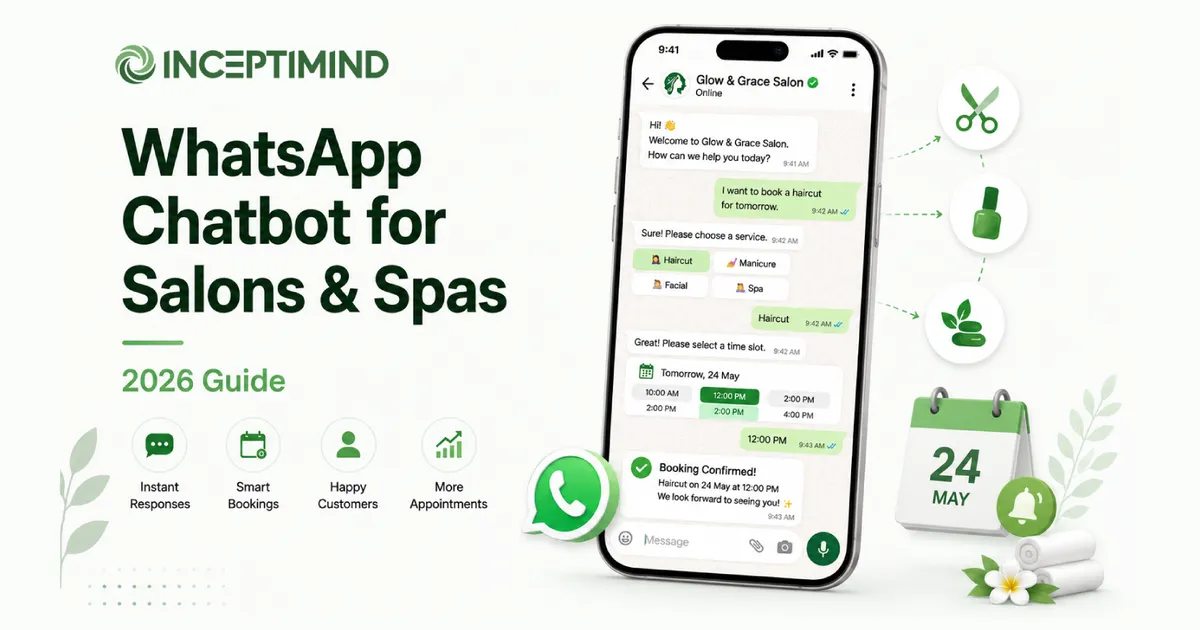
The core use case is booking, and on WhatsApp it feels like a conversation, not a form. A client messages your number, the bot offers real available slots, they pick one, done.
🧑 Client: Hi, any slot for a haircut tomorrow evening?
💇 Salon bot: Hi! Tomorrow evening we have 5:30, 6:15, and 7:00 PM with our senior stylist. Which works for you?
🧑 Client: 6:15
💇 Salon bot: Booked ✅ Haircut with Priya, tomorrow at 6:15 PM. I’ll send a reminder in the morning. Would you like to add a hair spa (₹800) to the same visit?
No phone tag, no diary, no double-booking — the slot is held the moment they tap it. This is the same mechanism covered in our WhatsApp appointment booking chatbot guide, applied to services and stylists instead of generic slots. And because it lives in WhatsApp, a client who found you on Instagram or a Google listing can go from “ooh, nice work” to “booked” without leaving the chat — no website or app required.
The No-Show Problem, and the Reminder That Fixes It
No-shows are the quiet tax on every salon. A client books a Saturday facial, forgets, doesn’t turn up, and that hour is gone — you can’t sell it back in time.
Most no-shows aren’t rudeness; they’re forgetfulness. The fix is a reminder the client can’t miss and can act on:
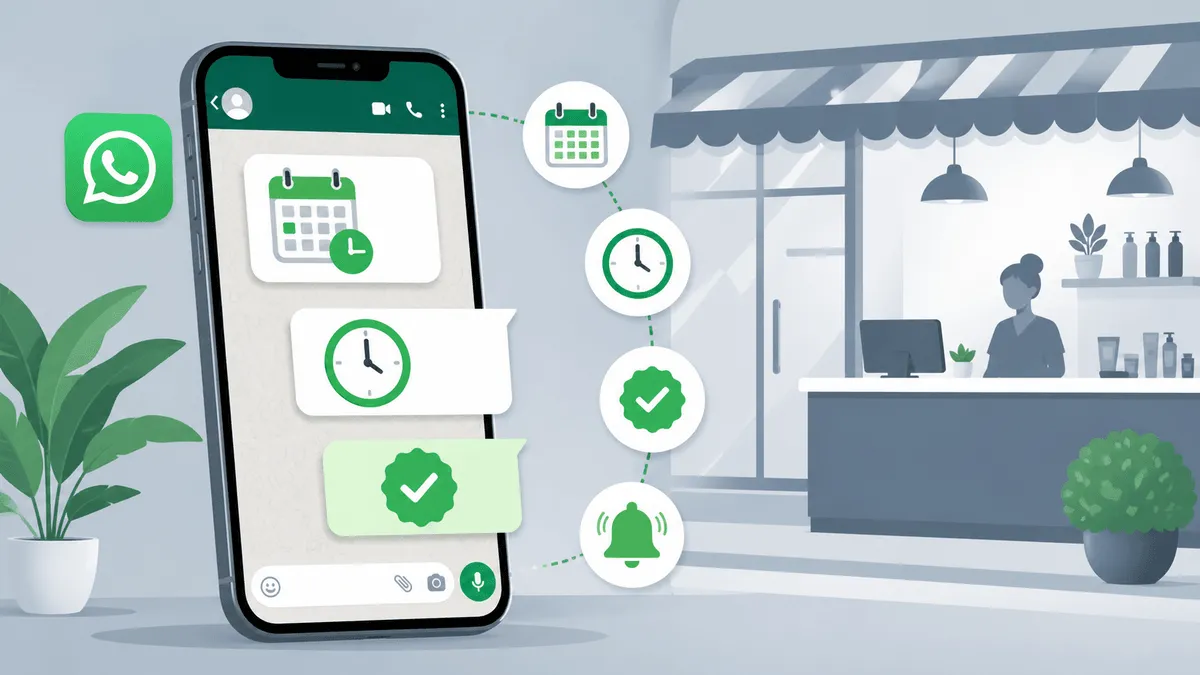
- A confirmation the moment they book.
- A reminder the morning of the appointment.
- One-tap options right in the message: Confirm, Reschedule, or Cancel.
The magic isn’t the reminder — it’s the cancel button. A client who taps “Cancel” at 11 AM hands you a 4 PM slot you can still fill. A client who just doesn’t show hands you nothing. You’re not eliminating cancellations; you’re converting silent no-shows into advance notice you can actually use.
Filling the Empty Chair: Waitlists and Last-Minute Slots
Which leads to the next move. When a slot opens up — a cancellation, or a quiet weekday afternoon — the bot can work to fill it instead of leaving the chair empty.
- A waitlist. When a popular stylist or a Saturday slot is full, the bot offers to add the client to a waitlist and messages them the instant something frees up.
- Last-minute nudges. A 3 PM cancellation can trigger a quick broadcast to opted-in regulars: “A slot just opened at 3 PM today — reply BOOK to grab it.” (Like any outbound WhatsApp message, this goes to clients who’ve opted in, via a Meta-approved template.)
For a salon, a filled cancellation slot is close to pure profit — the staff and rent are already paid for. Recovering even a couple of otherwise-dead slots a week adds up fast over a month.
Running your salon's bookings off a phone and a paper diary?
Inceptimind puts appointments, reminders, no-show recovery, and upsells on your WhatsApp number — so your front desk can focus on the client in the chair, not the phone. Plans from ₹399/mo.
Book a Free DemoTurning One Service Into Three: Upsells, Packages & Memberships
The chat is also the most natural place to grow the ticket — because the suggestion arrives at exactly the right moment, without a pushy salesperson.
- In-booking upsells. “Adding a hair spa to your cut?” lands better in a calm chat than at a busy counter.
- Packages. After a facial, the bot can offer a 4-session package at a small discount — the client decides in their own time.
- Memberships & renewals. The bot remembers who’s on a membership and nudges them before it lapses: “Your membership renews next week — reply YES to continue at the same rate.”
- Festive & bridal pushes. Around Diwali or wedding season, a targeted message to the right clients about bridal or festive packages does the work your team is too busy to do by hand.
To the client, none of it reads as a sales pitch — just a salon that remembers them. Which is exactly what keeps them coming back.
The After-Visit Message That Earns Reviews
There’s one more after-visit message worth automating, and it’s the one most salons forget: the review request. A day after a good appointment, the bot can send a short thank-you with a direct link to your Google listing — “Hope you loved your new look! A quick review helps other clients find us: [link].”
Happy clients rarely think to leave a review on their own, but most will tap a link if you ask at the right moment. For a neighbourhood salon, a steady trickle of fresh Google reviews is some of the cheapest, highest-impact marketing there is — it’s what makes you show up when someone nearby searches “salon near me.” Automating the ask means it actually happens, every time, instead of only when someone remembers.
Where Your Next Clients Actually Come From
New clients don’t arrive at a website. For a salon in 2026, they come from Instagram, Google, and word of mouth — and every one of those can drop straight into your WhatsApp.
- A “Book on WhatsApp” button on your Instagram profile turns a scroll into a booking.
- Click-to-WhatsApp ads on Instagram send an ad tap straight into a chat with your bot, not a form.
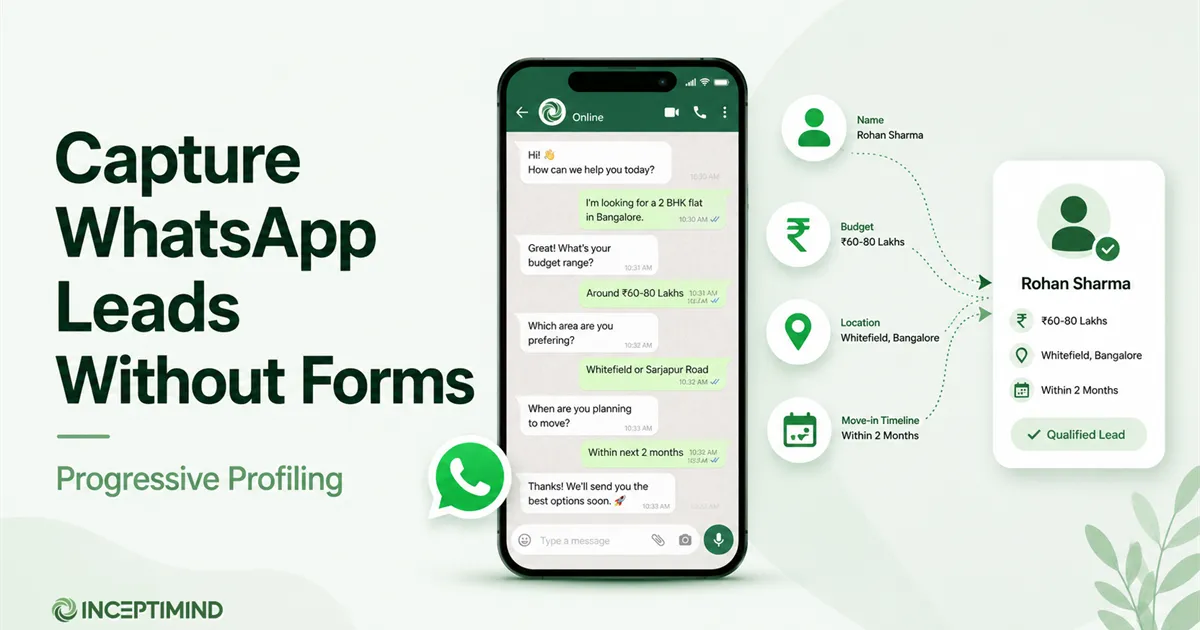
- When a new client messages, the bot captures their name, the service they want, and their preferred timing inside the conversation — the progressive-profiling approach — so you build a real client record from the very first message, no form-filling required.
That client record is what makes the reminders, packages, and renewals above actually work later. The first booking is also the start of the relationship.
Your First Week Live
You don’t need a big project to start. A realistic first week:
- Day 1–2: Connect your WhatsApp Business number and load your services, prices, stylists, and working hours.
- Day 3: Build the booking flow (service → stylist → slot → confirm) and set the reminder + cancel/reschedule messages. New to bot-building? Our guide to creating a WhatsApp chatbot without code covers the editor basics.
- Day 4: Get one utility reminder template approved by Meta (see our template approval guide) so you can message clients before their appointment.
- Day 5: Add the “Book on WhatsApp” link to your Instagram bio and Google listing.
- Weekend: Go live on your busiest days and watch it absorb the Saturday rush.
Most salons are taking real bookings through the bot within a week, without changing how the team works day to day.
What to Track After a Month
Judge it on numbers your salon already cares about, not vanity metrics:
- No-show rate — should drop once reminders and one-tap cancels are live.
- Slots recovered — cancellations that got re-filled via waitlist or last-minute nudge.
- After-hours bookings — appointments that came in while you were closed (money you’d otherwise have lost).
- Average ticket — the lift from in-chat upsells and packages.
- Rebooking rate — how many clients book their next visit.
If those four or five move in the right direction over a month, the bot has paid for itself many times over.
Frequently Asked Questions
How does a WhatsApp chatbot book salon appointments? A client messages your salon’s WhatsApp number, and the bot offers available slots for the service and stylist they want. They pick one, it’s confirmed instantly, and the booking is logged — no phone call, no paper diary, no double-booking. The bot then sends automatic reminders before the appointment.
Can a WhatsApp bot reduce salon no-shows? Yes, significantly. No-shows usually happen because clients forget. An automated WhatsApp reminder the morning of the appointment, with a one-tap option to confirm, reschedule, or cancel, gives people an easy way to free the slot in advance instead of just not turning up. That lets you fill the gap rather than lose the revenue.
Do I need a website for WhatsApp salon booking? No. The whole point is that booking happens inside WhatsApp, where your clients already are. You don’t need a website, an app, or a booking portal — just your WhatsApp Business number connected to the bot. Clients who find you on Instagram or a Google listing can tap through and book in the chat.
How much does a WhatsApp chatbot for a salon cost in India? Entry plans for Indian salons start around a few hundred rupees a month for a flow-based booking bot — Inceptimind starts at ₹399/month. You also pay Meta’s standard WhatsApp conversation charges, but service replies to clients who message you first are free. It’s far cheaper than the front-desk hours it saves.
Can the bot handle bookings in Hindi? Yes. Clients can chat in Hindi, English, or a mix, and the bot can be set up with bilingual menus and replies. For a neighbourhood salon whose clients message in Hinglish, that matters more than any feature list.
If you run a salon or spa and your bookings still live on a phone and a paper diary, the move is simple: put them on WhatsApp, where your clients already are, and let the bot handle the rush. Book a free demo and we’ll set up a booking flow around your services — or, if you’re weighing platforms first, start with our guide to the best WhatsApp service for Indian businesses.